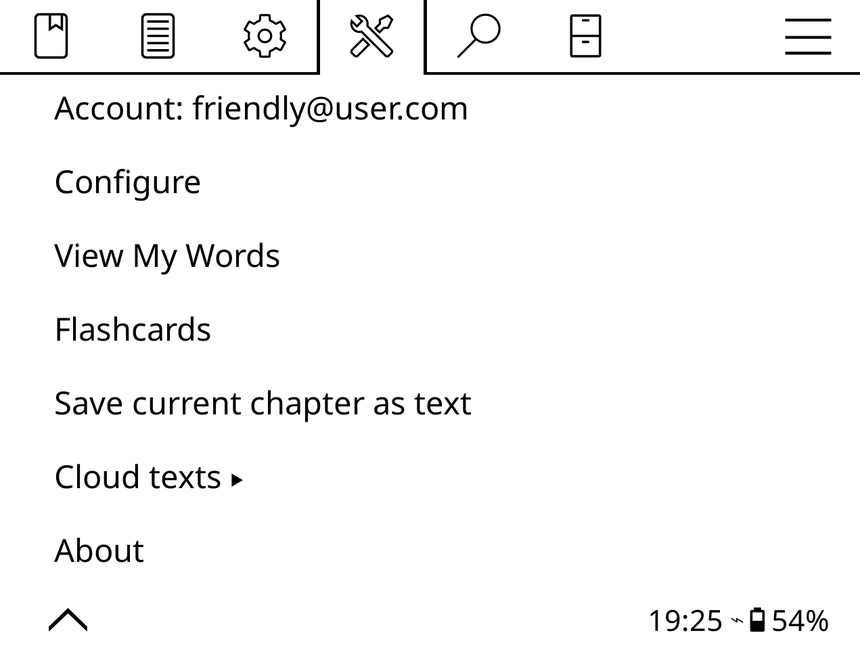
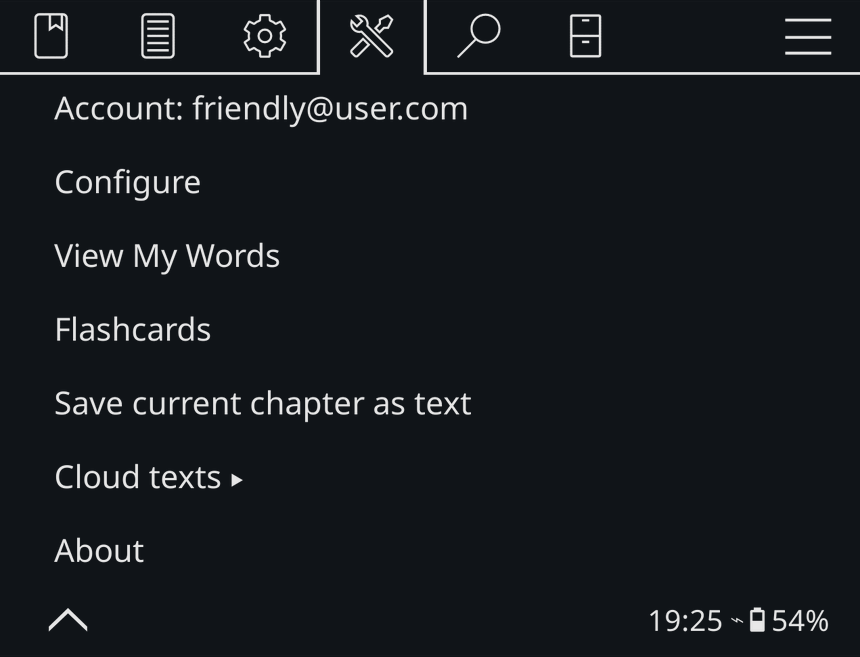
Lingueez for KOReader · Free & open source
The Lingueez plugin for KOReader lets you look up a word while you read, save it to your Lingueez vocabulary with its translation, and review it with flashcards directly on the e-reader. Your words stay in sync across devices.
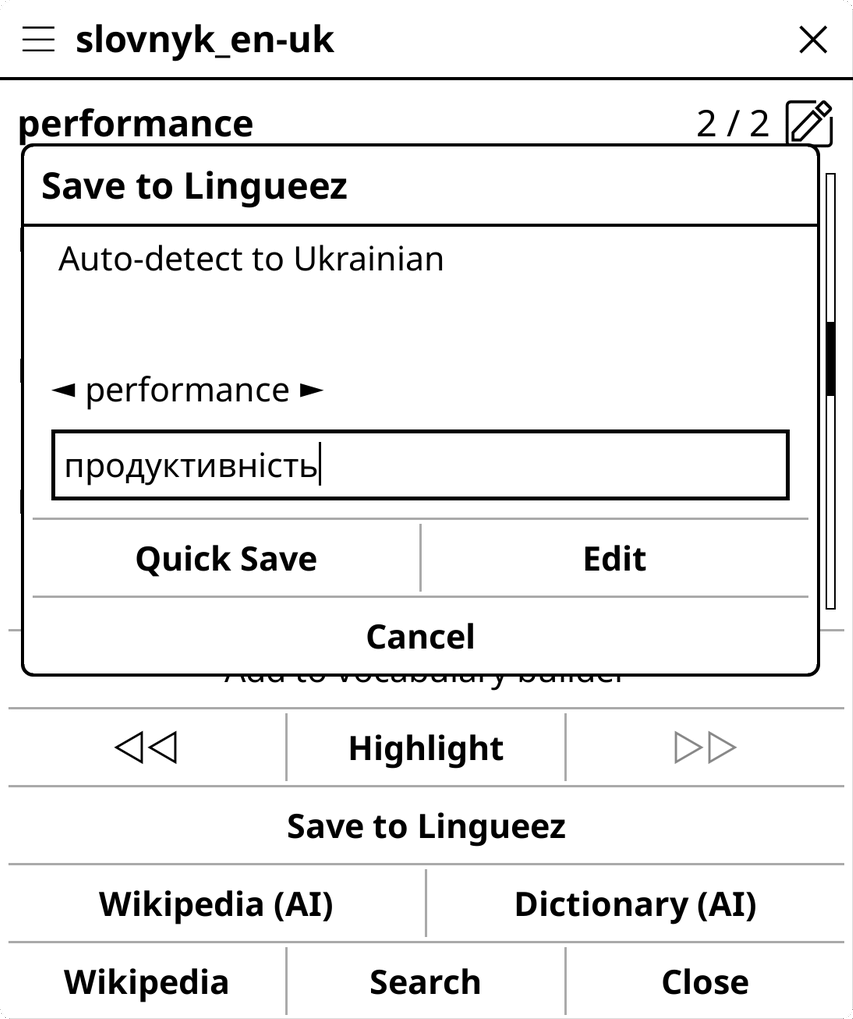
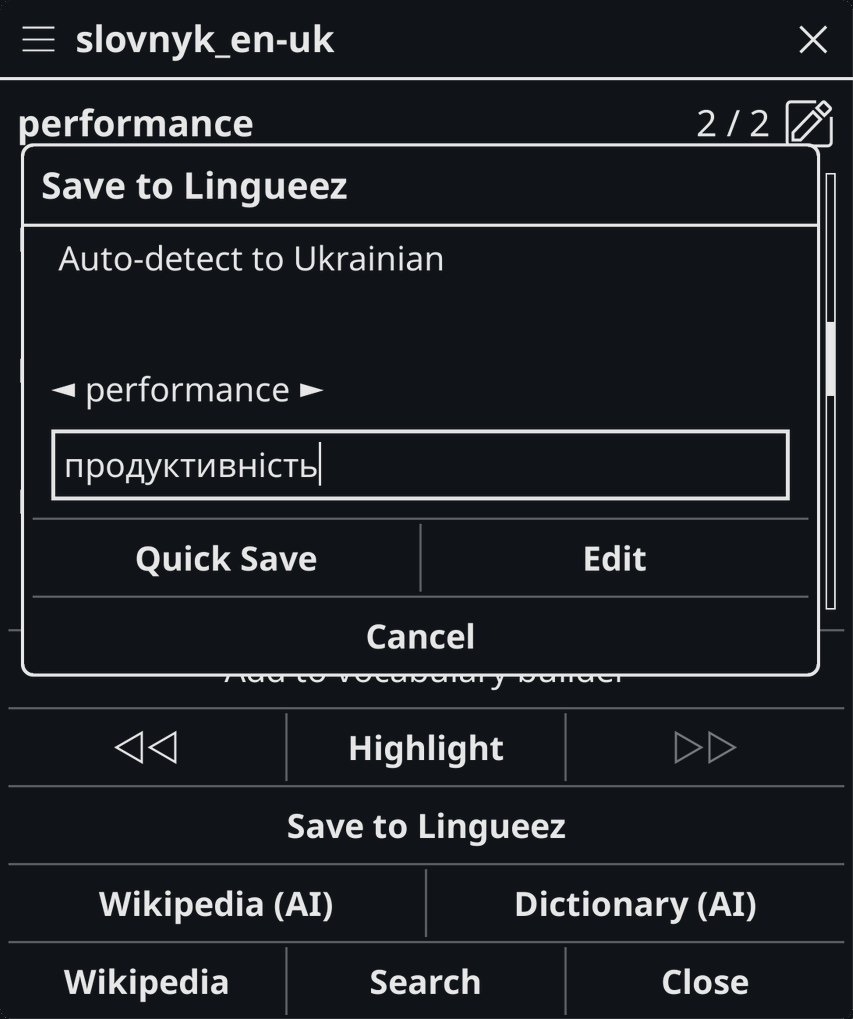
Long-press any word and tap Save to Lingueez. The plugin detects the book’s language, translates the word, and stores it in your account, ready to study. Adjust the translation before saving if you like.
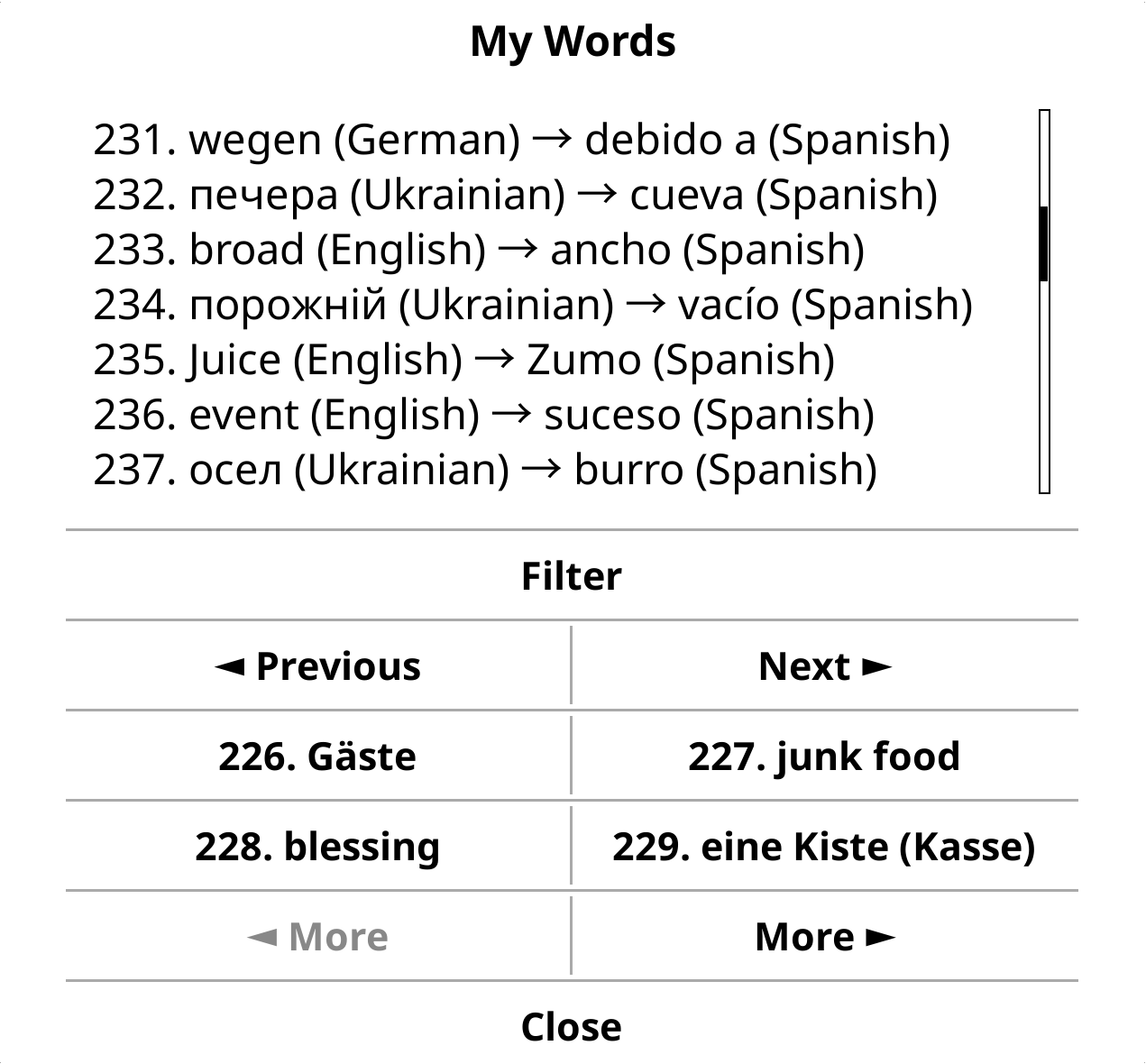
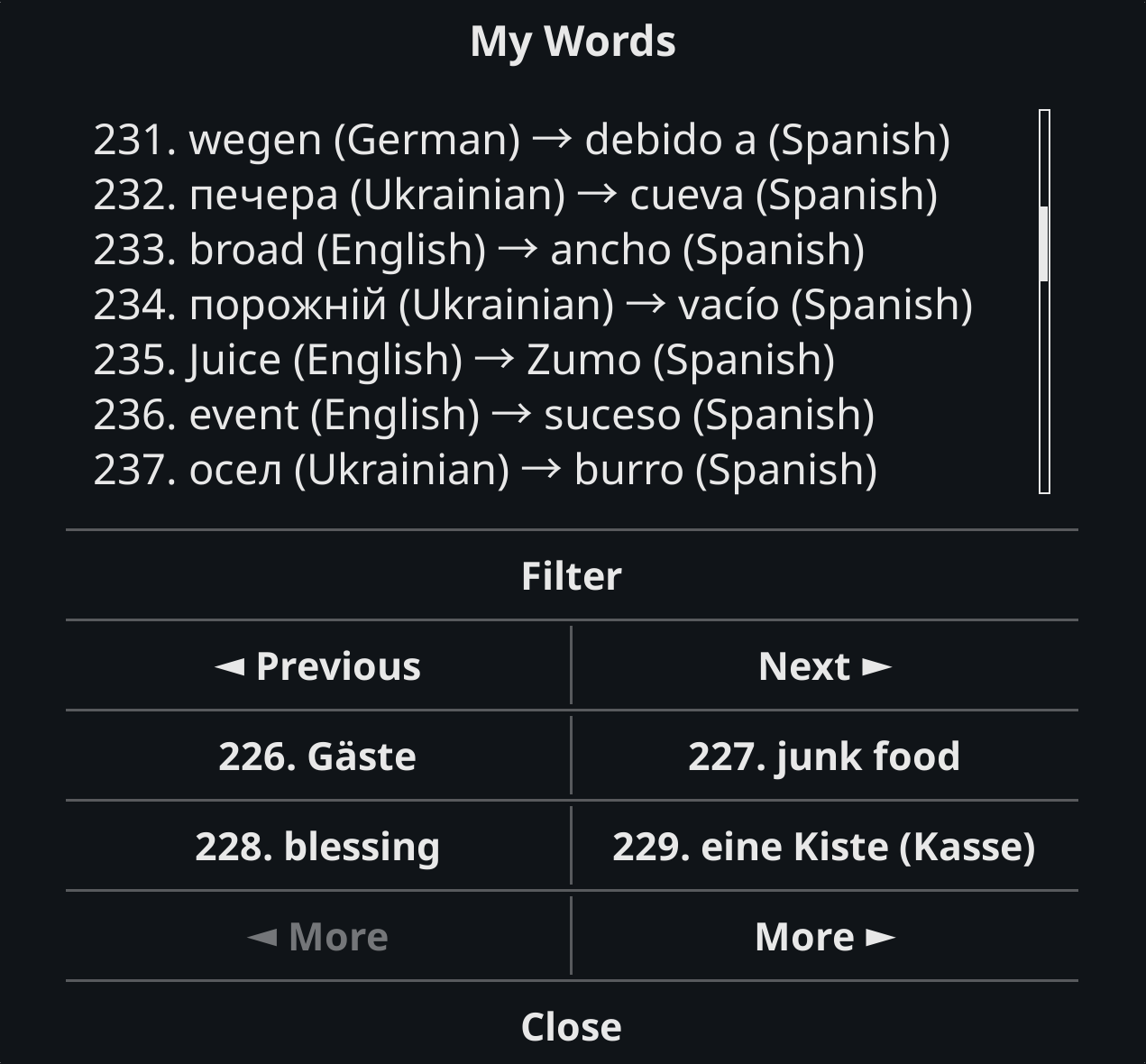
Open My Words from the Lingueez menu to page through everything you have saved, filter the list, and tap any entry to open it — without leaving the book.
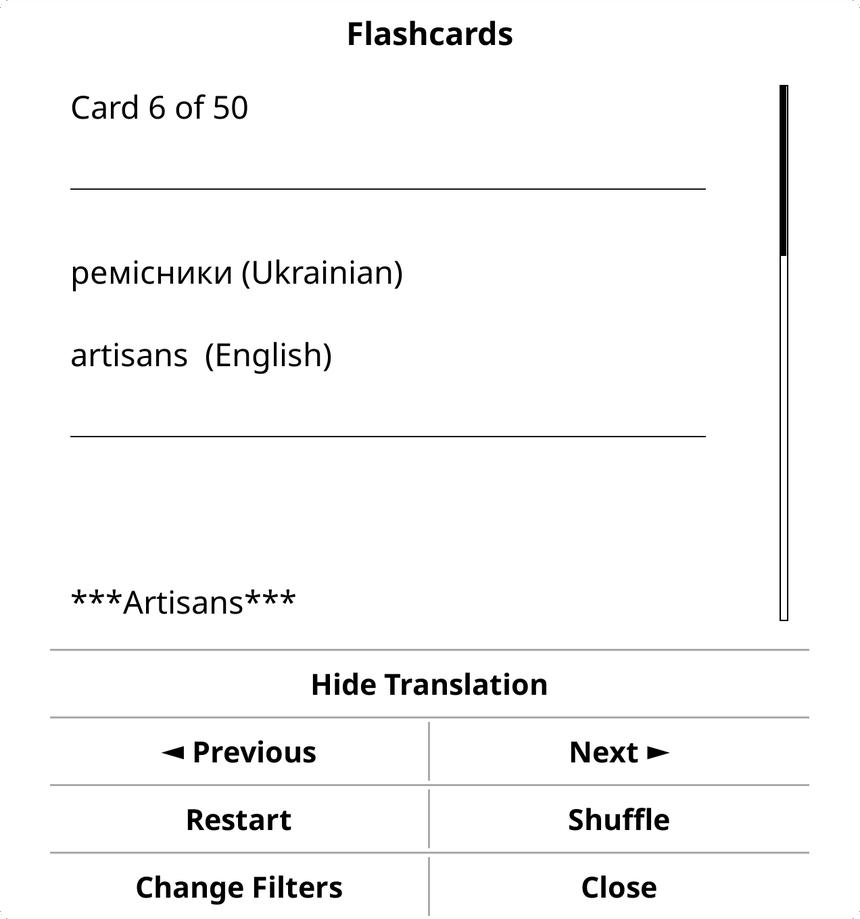
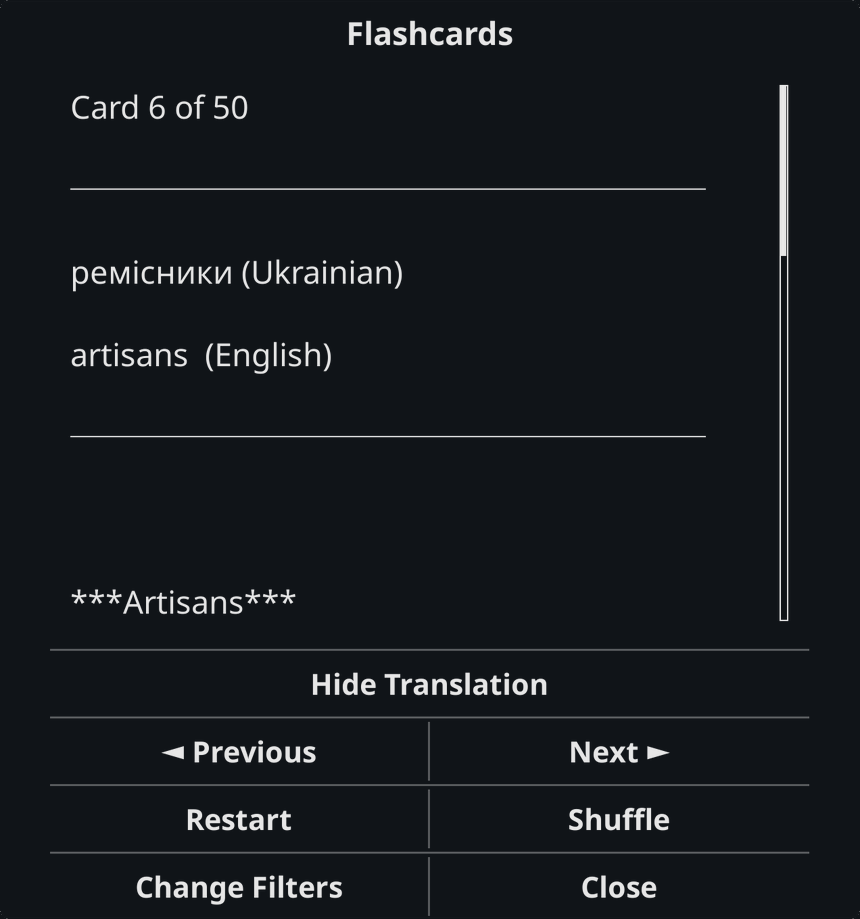
Flip through flashcards of your saved words right where you read — no separate device, no extra app. Reinforce vocabulary in the same place you discovered it.
Small, focused, and out of your way while you read.
Google Translate built in, with optional DeepL.
The word’s language is detected automatically, so saving to your dictionary is quick.
Save the chapter you’re reading to your library, or pull texts saved on other devices back onto your reader.
Everything you save on your reader syncs to your Lingueez account on your other devices. Study with full flashcards, audio, statistics, and side-by-side reading on your computer — your reader is simply one more place to add words.
See the desktop app

No configuration — just copy the plugin and sign in.
lingueez.koplugin folder into your KOReader plugins directory:
/sdcard/koreader/plugins/~/.config/koreader/plugins/New to Lingueez? Create your account on the desktop or web app first — the plugin signs you in, it doesn’t register new accounts.